Android Phone
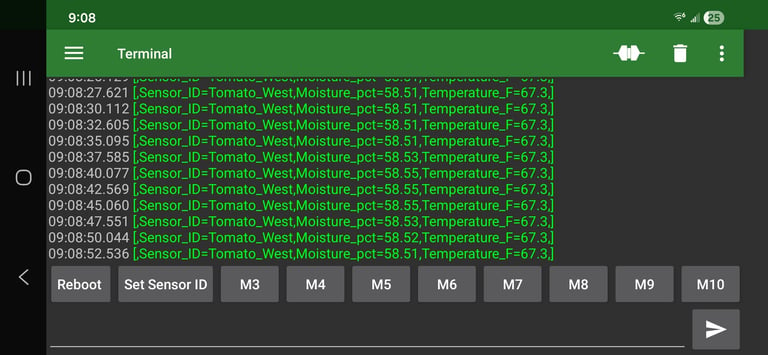
Using a serial terminal app on your phone is a great way to interact with your sensors that are not yet integrated by some other method. Sensors can be spot checked in the field making getting started easy.
The Setup
The Serial USB Terminal app (by Kai Morich) is a great choice.
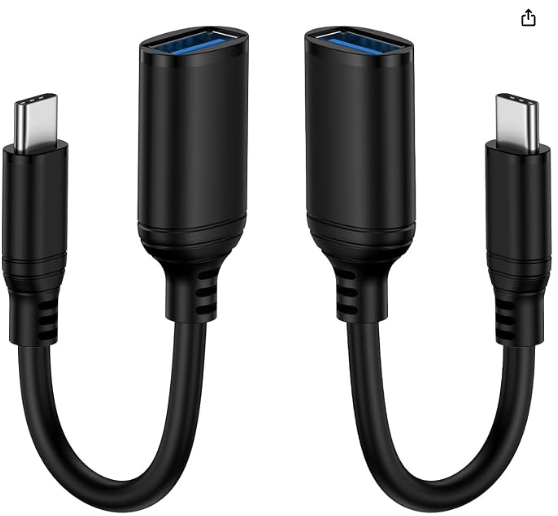
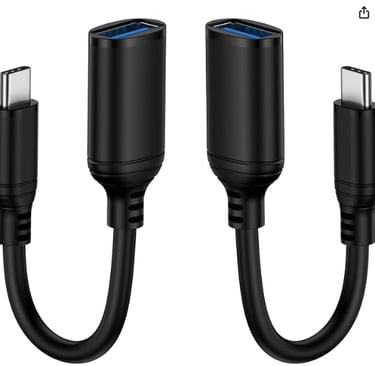
An OTG, or "On the Go" adapter is a neat way to add a USB connection to you Android phone. this is how the sensor connects to the phone.
Configuration
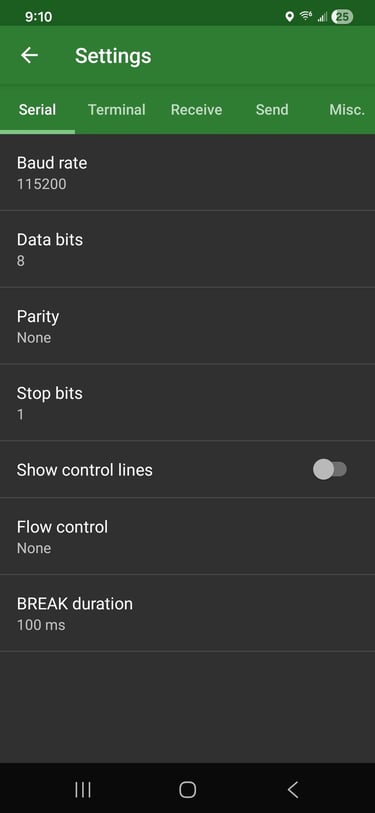
In the settings tab, set the baud rate to 115200. All other settings are left as they are.
Connect
When you connect the sensor to you phone with the the OTG adapter it will appear as a device called CH34X or CH340. This is a very common chip that is used by the sensors microcontroller to communicate over USB.
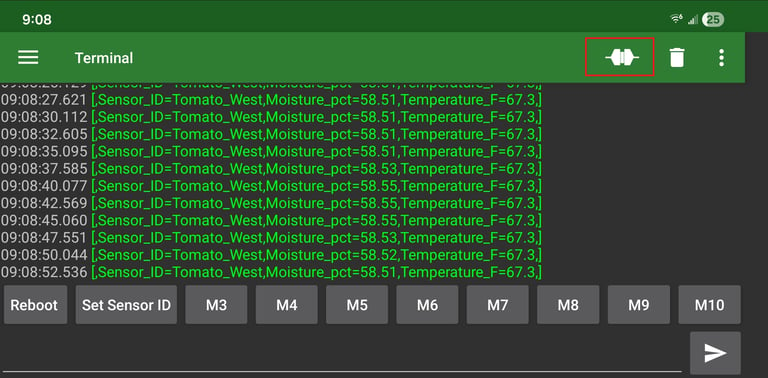
With the sensor connected, press the connect button as shown in the red box below.
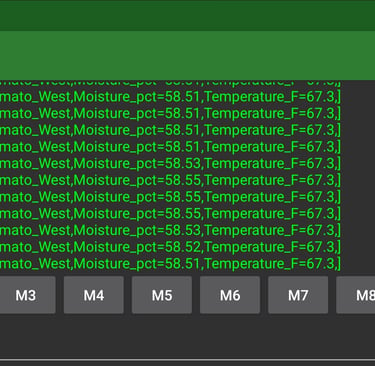
You should now be receiving data from the sensor!
Pro Tip
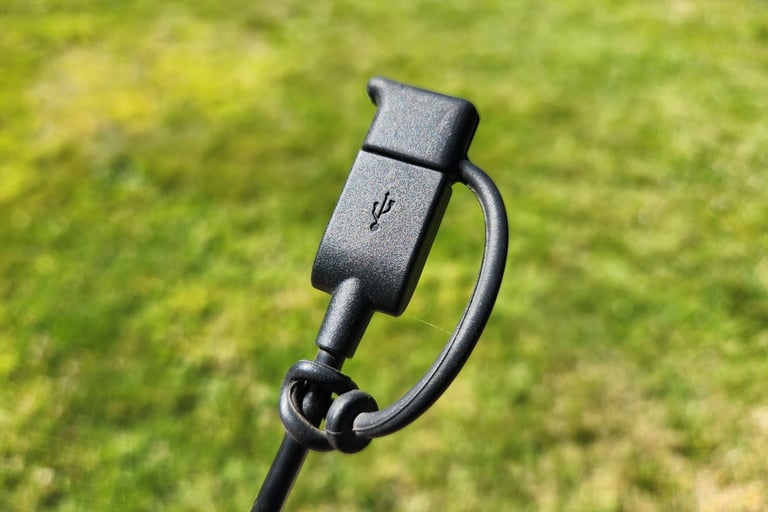
If you leave you sensor cables disconnected, such as when you install a sensor and plan to use your phone to check it once in a while, it's important to protect the use connection from water or else it my corrode. A USB weather cap as shown below does a great job.
© Copyright 2025-2026 Trillium Technical Innovations LLC. All rights reserved. All registered or unregistered trademarks herein are the property of their respective owners.