Web Browser Interface
This interface is a very light-weight means to communicate with the sensor. At this point it is very basic, but features will likely be added in the future.
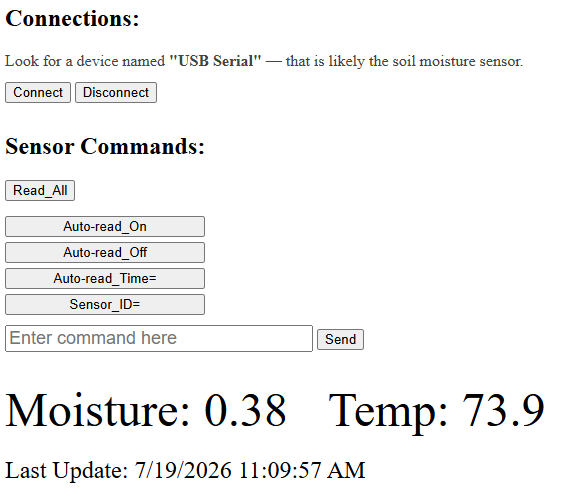
Plug your moisture sensor into your PCs USB port and then run this in a web browser. Click the connect button and choose the sensor from the list. The sensor will be called "USB Serial" in the list. It will say "paired" to the right of the name, but that just means it sees that it is connected.
© Copyright 2025-2026 Trillium Technical Innovations LLC. All rights reserved. All registered or unregistered trademarks herein are the property of their respective owners.